

5 Best React Native Alternatives in 2026 (Honest Comparison)
February 11, 2025•Updated September 4, 2026•8 min read

I hope you enjoy reading this post. If you want us to do your frontend development or design, click here.
Author: Alex Vasylenko | Founder of The Frontend Company
Reviewed by Pavlo Tyshchenko, COO, The Frontend Company
When You Need to Look for Alternatives to React Native
Not happy with React Native’s limitations?
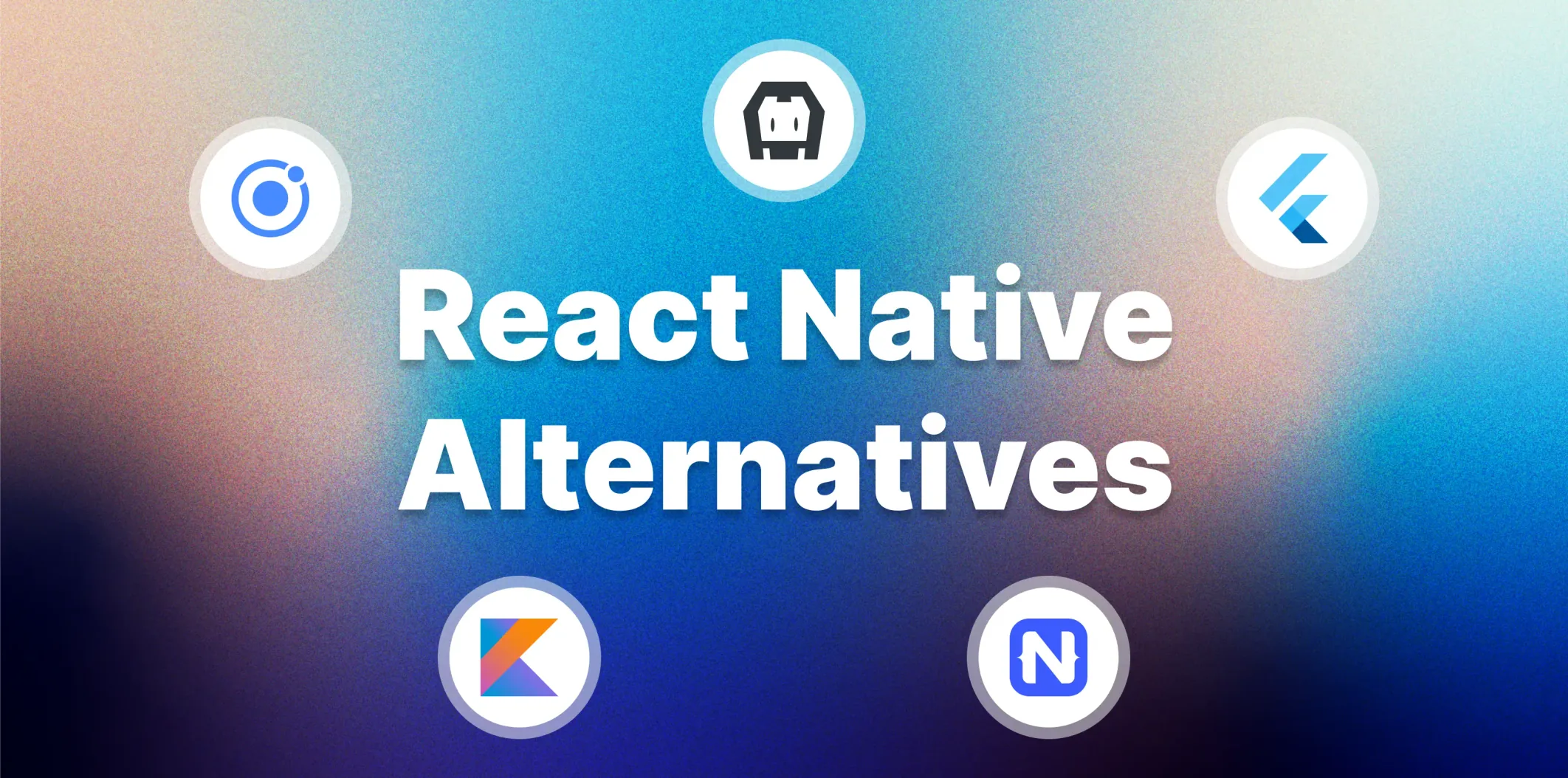
5 Best React Native Alternatives and Competitors
- Community Size: Large and active communities for support.
- Age: Technologies with over 5 years of use.
- Performance: Fast and reliable frameworks with minimal delays.
- Native Features: Easy access to device-specific hardware.
- Customization: Ability to create different designs for iOS and Android.
- Stability: Reliable options with regular updates.

Transform your UI for peak performance!
🔹
Unlock seamless, high-performance frontend solutions tailored to your business.
🔹
Get an interface that outshines competitors and delights your users.
Flutter
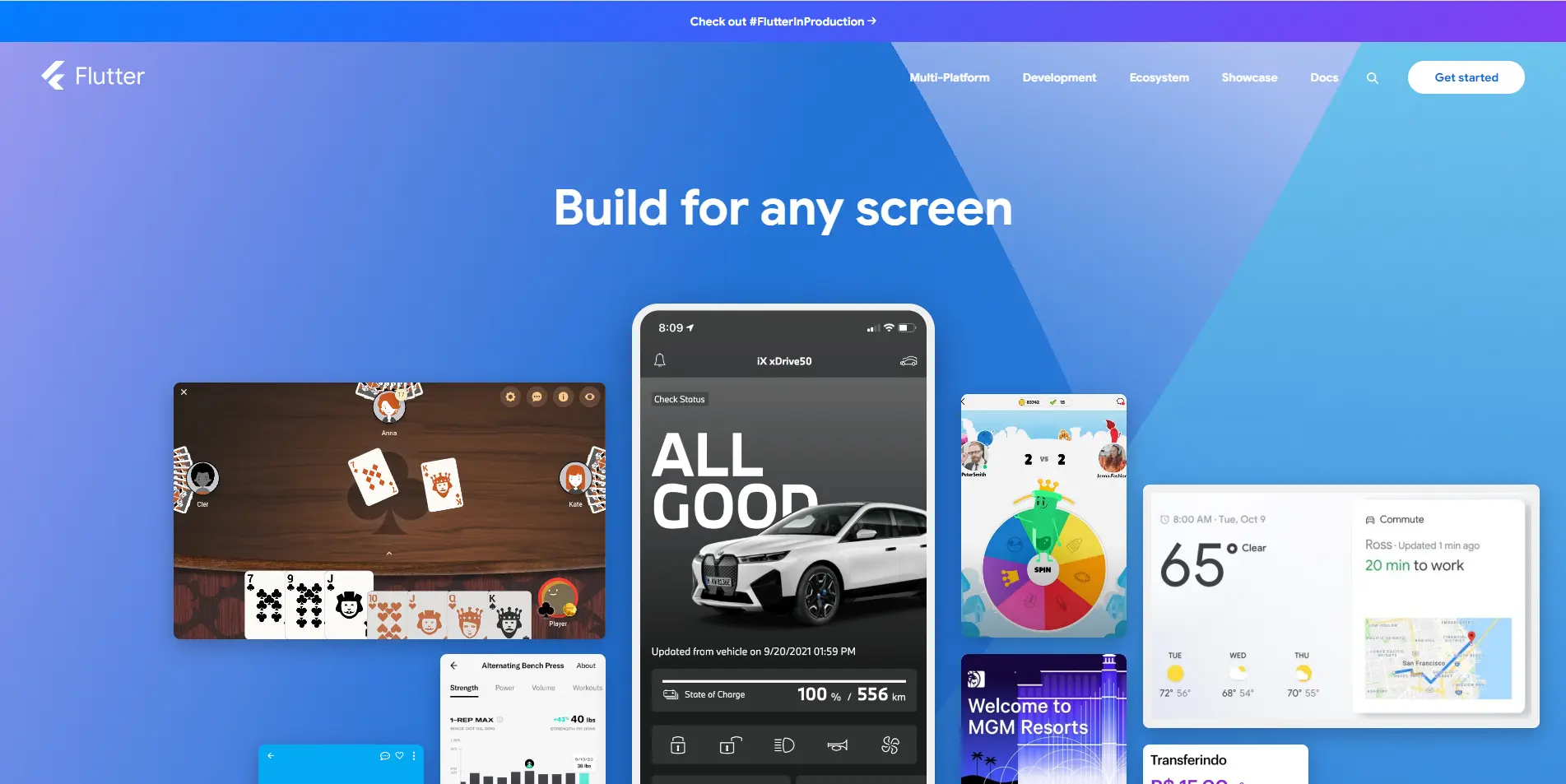
💡Note: Check how Flutter saved 60-70% of Google Pay engineer's time.
How Flutter Matches Our React Native Alternatives Standards
- Community Size: Flutter has a large and active global community, consistently ranking as one of the most loved frameworks in developer surveys.
- Technology Age: Launched in 2017, Flutter has over 8 years of development and widespread adoption as of 2026.
- Performance: Compiles directly to native machine code, ensuring fast and smooth app performance without relying on a JavaScript bridge.
- Native Features: Provides access to native APIs through platform channels, enabling deep hardware integration.
- Customization: Its widget-based architecture allows complete control over UI design, which means consistency and flexibility across platforms.
- Stability: Google regularly updates Flutter and improves its ecosystem of plugins and tools.
Pros:
- Cross-Platform Support: A single codebase for iOS, Android, web, and desktop.
- Customizable UI: The widget-based system gives developers full control over app design and functionality.
- Active Ecosystem: Backed by Google with strong community support, plugins, and integrations.
Cons:
- Larger App Sizes: Flutter apps tend to be bulkier than native apps due to its built-in rendering engine.
- Dart Learning Curve: Developers may need time to learn Dart if they are unfamiliar with the language.
- Third-Party Libraries: Although growing, Flutter's ecosystem is still smaller than React Native's.
Key Features of Flutter
- Dart Language: Compiles to native machine code for high performance.
- Hot Reload: Instantly reflects changes in code, improving development speed.
- Widgets: Pre-built and custom widgets for consistent, customizable UIs.
- Impeller Rendering Engine: Flutter's own renderer, the default on iOS and Android (API 29+) since Flutter 3.27; Skia remains only as a fallback for older Android devices and on the web.
- Native API Access: Platform channels allow deep integration with device-specific features.
- Google Ecosystem Integration: Seamlessly works with Firebase, Google Maps, and other tools.
Who can use Flutter?
NativeScript
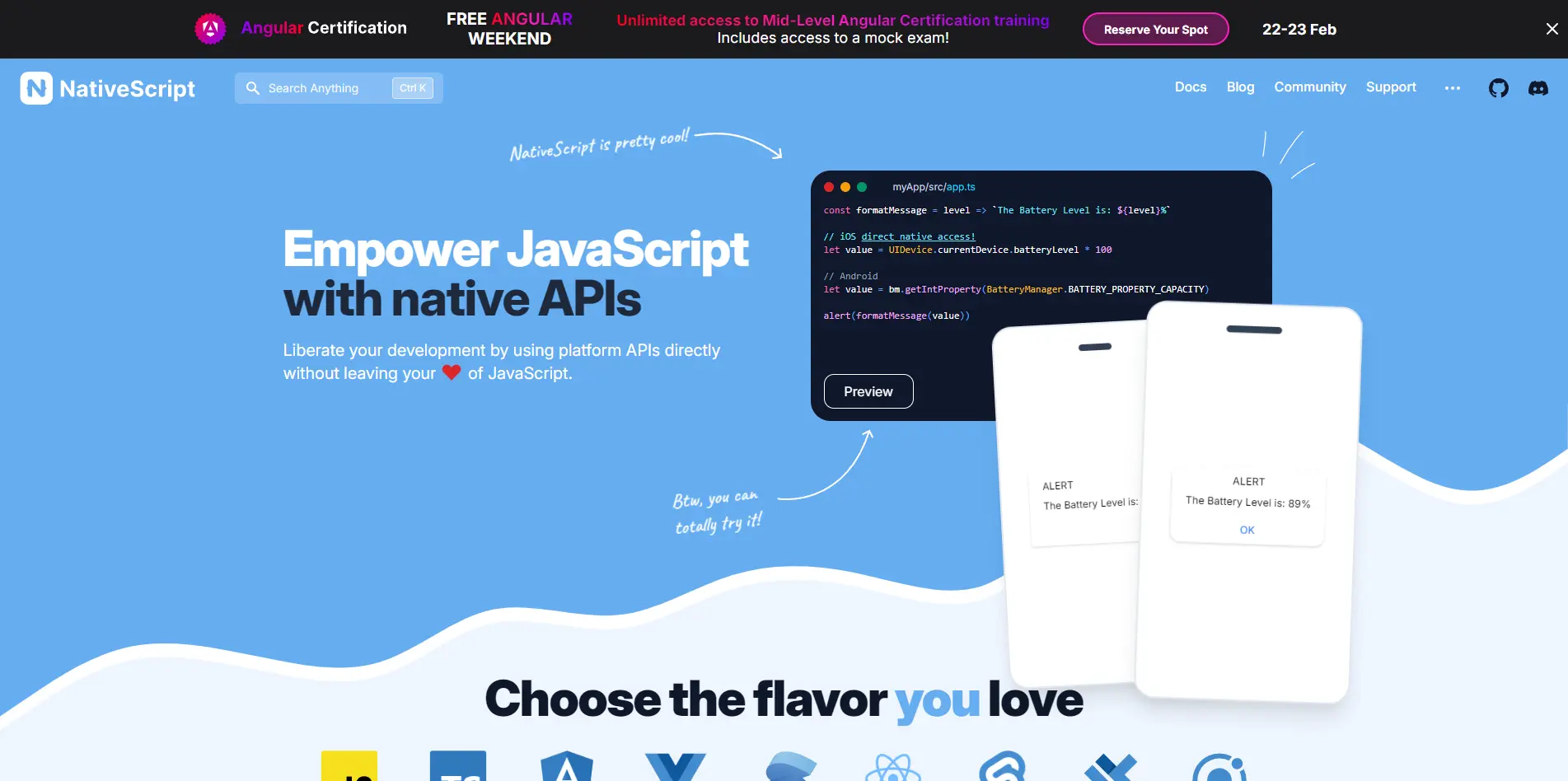
How NativeScript Matches Our React Native Alternatives Standards
- Community Size: Smaller than React Native but has a great community that's very active and supportive.
- Technology Age: Launched in 2014, over 10 years old and proven.
- Performance: High performance since it directly accesses native APIs without a bridge.
- Native Features: Full access to platform-specific features like sensors, cameras, and Bluetooth.
- Customization: Can use native UI components, so you have flexibility in creating platform-specific designs.
- Stability: NativeScript is maintained and updated regularly and has enterprise support; NativeScript 9.1 (August 2026) followed 9.0 (November 2025) with a V8 14.9 runtime, native ES modules and Vite 8 hot updates.
Pros:
- Native API Access: Can access and control native device features.
- Multiple Languages: Supports JavaScript, TypeScript, Angular and Vue.js.
- Native Performance: Eliminates reliance on web views, delivering near-native speed and responsiveness.
Cons:
- Smaller Community: Smaller community and ecosystem compared to React Native or Flutter.
- Learning Curve: Requires knowledge of native development concepts for advanced features.
- Less Third-Party Libraries: The ecosystem of plugins is not as big as some others.
Key Features
- Cross Platform: Build iOS and Android apps from one codebase.
- Native UI Rendering: Uses native UI components for better performance and user experience.
- Active Maintenance: Regular updates ensure stability and compatibility with the latest platform versions.
Who can use NativeScript?
💼Case: Triodos Bank used NativeScript to develop high-performance mobile banking apps for iOS and Android using a single codebase. This approach reduced development time and costs while ensuring a native-like experience. Read the full case study here.
💼Case: The Daily Nanny app used NativeScript to build a cross-platform childcare management tool with real-time updates and photo sharing. It delivered native-like performance while reducing development time. Read more here.
Kotlin Multiplatform (KMP)
How KMP Matches Our React Native Alternatives Standards
- Community Size: Backed by JetBrains and Kotlin's widespread popularity in Android development, KMP has a growing and active developer base.
- Technology Age: KMP launched in 2020 and has been stable since November 2023; it builds on Kotlin, which has existed since 2011.
- Performance: KMP delivers native performance by allowing developers to write platform-specific UI while sharing the business logic.
- Native Features: Provides access to native APIs and tools for iOS and Android, ensuring full hardware and OS integration.
- Customization: Enables native UI development and platform-specific designs.
- Stability: Supported by JetBrains, KMP benefits from regular updates and Kotlin's strong ecosystem.
Pros:
- Shared Logic: Reduces duplication by sharing business logic for iOS and Android.
- Native UI: Developers can create native user interfaces for each platform.
- Performance: Focuses on core logic sharing.
- Kotlin Ecosystem: Uses the popularity and maturity of Kotlin for Android development.
Cons:
- Younger Ecosystem: stable only since late 2023, so the library and tooling ecosystem is still smaller than Flutter's or React Native's.
- Requires Platform Expertise: unless you adopt Compose Multiplatform for the UI, developers need to know Android and iOS development to build the UI for each platform.
- Limited Tooling: Tooling and third-party library support are still catching up compared to more established frameworks.
Key Features of KMP
- Shared Codebase: KMP supports multiplatform programming.
- Native Performance: Focuses on native UI development.
- Flexible Architecture: Allows developers to combine shared and platform-specific code.
- JetBrains and Google Support: Backed by JetBrains and Google, ensuring stability, active development, and strong documentation.
- Compose Multiplatform: optional shared UI, stable on Android, iOS and desktop.
Who can use KMP?
Ionic
How Ionic Matches Our React Native Alternatives Standards
- Community Size: Ionic has an active community of developers and a rich ecosystem of plugins and integrations.
- Age: Launched in 2013, Ionic has over a decade of development and proven reliability.
- Performance: While it uses web views, Ionic leverages hardware-accelerated transitions and optimized rendering for smooth performance in most apps.
- Native Features: Provides access to native APIs through Capacitor, Ionic's official native runtime.
- Customization: Supports highly customizable UI components with pre-built themes and layouts.
- Stability: Actively maintained with frequent patch releases; Capacitor has replaced Cordova as Ionic's official native runtime.
Pros:
- Web-Based Approach: You can get into app development with tools you already know.
- Cross-Platform Support: One codebase for mobile, web, and desktop apps.
- Pre-Built Components: Includes a library of customizable UI components for fast development.
Cons:
- Web View Limits: Apps rely on web views, which may not perform as well as native or hybrid frameworks.
- Device Access: Need Capacitor or Cordova plugins to access native APIs for advanced features.
- Performance on Heavy Apps: Not suitable for graphics-heavy or resource-heavy applications like games or 3D rendering.
Key Features of Ionic
- Capacitor Native Runtime: Provides a bridge for accessing native device features and APIs.
- Customizable Components: Offers pre-built UI components and themes to speed up development.
- Ionic CLI: A powerful command-line interface for efficient project management and development.
Who can use Ionic?
💼Case: The Sanvello mental health app used Ionic to build a cross-platform solution with seamless updates and a consistent user experience. Read more here. 🚀
Apache Cordova
How Apache Cordova Matches Our React Native Alternatives Standards
- Community Size: Cordova has a long-standing community, though smaller than newer frameworks like Flutter and React Native.
- Age: Launched in 2009, Cordova has over 15 years of development and use in the industry.
- Performance: While it uses web views, it performs adequately for lightweight apps and simple use cases.
- Native Features: Provides access to device APIs through plugins, enabling basic hardware integration.
- Customization: Allows developers to use any frontend framework or custom-built UI for flexibility.
- Stability: Still maintained by Apache volunteers, with Cordova CLI 13 (November 2025) and cordova-android 15.1.0 (July 2026), but the commercial ecosystem around it, including Ionic, has moved on to Capacitor.
Pros:
- Web Technology Support: Developers can reuse existing HTML, CSS, and JavaScript skills without learning stage platform-specific languages like Swift or Java.
- Cross-Platform Capabilities: A single codebase can target multiple platforms, including iOS and Android, decreasing the expense and effort needed to maintain independent codebases.
- Native Features Access: Extensive plugins for native APIs like camera, GPS, and file storage.
Cons:
- Web View Dependence: Apps rely on web views, limiting performance compared to native or hybrid frameworks.
- Outdated Approach: Cordova's architecture feels less modern compared to Flutter or React Native.
- Complexity with Plugins: Adding advanced native features often requires custom plugins, increasing development time.
Key Features of Apache Cordova
- Custom UI Frameworks: Flexibility to use any frontend framework, such as Angular, Vue.js, or React.
- Command-Line Interface (CLI): Provides powerful tools for building, testing, and deploying apps.
Who can use Apache Cordova?
Conclusion
Framework | Launch Year | Performance | Community Size | Customization | Native Features Access | Best For |
|---|---|---|---|---|---|---|
1. Flutter | 2017 | High (Compiles to native code) | Large and active | High (Widget-based UI) | Platform channels | Multi-platform apps with high-performance UI |
2. NativeScript | 2014 | High (Direct native API access) | Smaller but active | High (Native UI components) | Full access to device APIs | Apps needing deep hardware access |
3. Kotlin Multiplatform | 2020 | Native performance with shared logic | Growing (backed by JetBrains) | High (Native UI per platform) | Full access (native API support) | Android-first projects needing scalability |
4. Ionic | 2013 | Moderate (Web view with hardware acceleration) | Large and active | Moderate (Pre-built components) | Capacitor for native API access | Lightweight apps with web & mobile integration |
5. Apache Cordova | 2009 | Moderate (Web view-based) | Long-standing but smaller | High (Any frontend framework) | Plugins for device APIs | Web developers targeting mobile |
💡 Book a call with us and we will set up an intro call, where we will find the right technology to help you cope with your tasks quickly and efficiently.
Unlock the full potential of your product

Boost customer retention & satisfaction
Become more competitive on the market
Move to the latest technologies stacks
Improve usability & visual appeal
FAQ


Alex Vasylenko is the founder of The Frontend Company, DBC and several other successful startups. A dynamic tech entrepreneur, he began his career as a frontend developer at Deloitte and Scandinavia's largest banking company. In 2023, Alex was honored as one of 'Top 10 Emerging Entrepreneurs' by USA Today.



REVIEWED BY
COO, The Frontend Company
Pavlo runs operations and delivery at The Frontend Company and builds its internal AI systems - agent workflows, automation, and the engineering side of software compliance.
RATE
Rate this article please
This will help us provide more useful information.

1263 ratings, average 4.97 out of 5